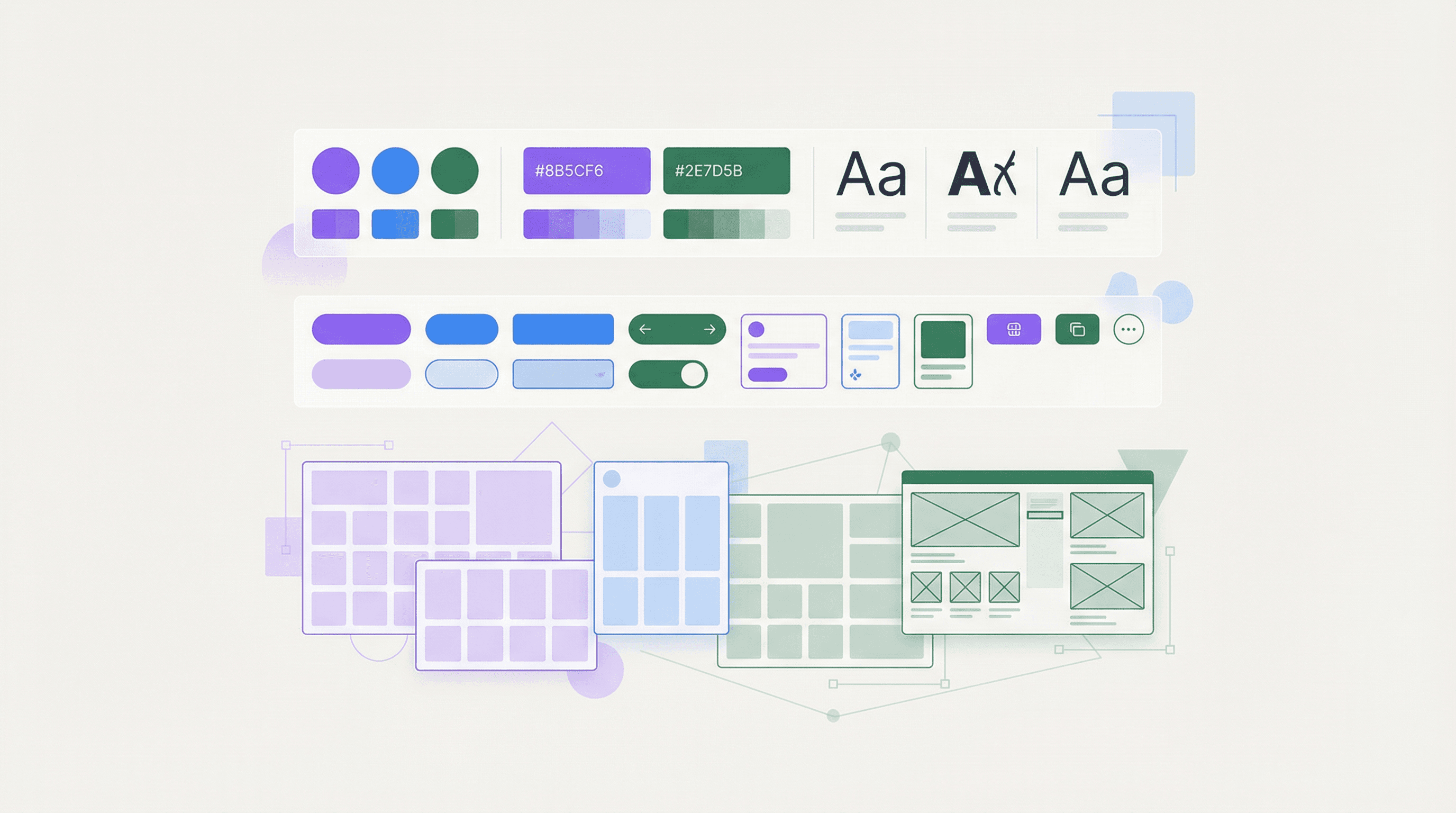
A design system is not a component library. It is a living, shared language between designers and engineers that ensures visual consistency, accelerates development, and makes your product feel cohesive even as it grows to dozens of screens and multiple platforms.
At KodexApps, we have built design systems for products serving thousands of daily users. Here is what we have learned about making them work at scale.
Why Design Systems Matter
Without a design system, every new feature is a blank canvas. Designers reinvent spacing, engineers guess at colors, and the product slowly fragments into a patchwork of inconsistent experiences. A well-built design system eliminates this entropy.
Speed — engineers assemble screens from pre-built components instead of building from scratch
Consistency — every button, form, and card looks and behaves the same across the entire product
Quality — accessibility, responsive behavior, and interaction patterns are baked into the system once
Collaboration — designers and engineers share a common vocabulary, reducing miscommunication
The Anatomy of a Scalable Design System
1. Design Tokens
Tokens are the atoms of your system: colors, typography scales, spacing units, border radii, shadows. Define them once in a platform-agnostic format (JSON or YAML), then generate platform-specific code for web (CSS variables), iOS (Swift), and Android (Kotlin).
We use a three-tier token hierarchy: global tokens (brand colors), semantic tokens (primary-action, error-text), and component tokens (button-padding, card-radius). This layering means a brand refresh only requires changing global tokens.
2. Component Architecture
Components should follow the single-responsibility principle. A Button is a Button, not a ButtonWithIconAndBadgeAndDropdown. Complex UI patterns are composed from simple primitives.
Primitives: Box, Text, Stack, Grid
Components: Button, Input, Card, Badge, Modal
Patterns: Form, DataTable, NavigationBar, PageLayout
3. Documentation as a Product
A design system without documentation is just a folder of components nobody uses. We treat documentation as a product: interactive examples, copy-paste code snippets, usage guidelines, and accessibility notes for every component.
Common Pitfalls
Over-abstraction — making components so flexible they become impossible to use without reading 50 props
Under-investment — building the system but not maintaining it, causing it to drift from actual usage
Design-only thinking — creating a beautiful Figma library that engineers cannot implement because it ignores platform constraints
At KodexApps, design systems are a core part of how we Dream. Develop. Innovate. We dream about the ideal user experience, develop the system to make it repeatable, and innovate as new patterns and platforms emerge.